TekDetek nodes — browser VJ pipeline
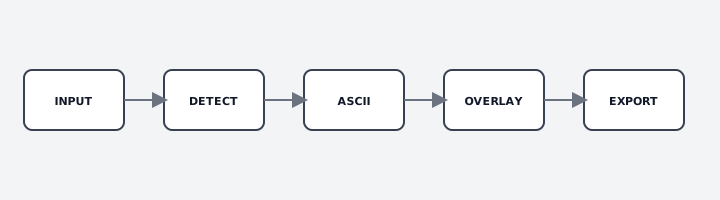
TekDetek is a node-based browser VJ tool and ASCII video tool online. Wire left to right: INPUT → (optional DETECT / HAND) → ASCII / RD / CA / Depth / PreText / GEO → OVERLAY → EXPORT. Open the app at vikmil.com/tekdetek — no install.
TekDetek is not completely free. Try phone looks and edit for free. Free export is watermarked and 20 seconds. Free OBS is watermarked and 5 minutes (restart anytime). Pro unlocks clean unlimited export and adding RD, CA, Depth, Alt ASCII, PreText, GEO 3D, and Sonify on the desktop graph.
Free
INPUT, AI DETECT (luma + capped objects/pose), ASCII FX, HAND, OVERLAY, EXPORT (watermark + 20s). Phone swipe + edit for RD and CA looks.
Pro
Add RD, CA, DEPTH, ALT ASCII, PRETEXT, GEO 3D, SONIFY on desktop. Clean unlimited record and OBS. Shuffle. Higher detection caps.
INPUT Free
The video source for every look. Select INPUT, then Activate camera (front or back on mobile) or Upload video file. H.264 MP4 is the most reliable decode for an ASCII webcam filter or file pass.
Output aspect (1:1, 16:9, 9:16, 4:3, 21:9) letterboxes for social crops. Zoom / pan / tilt frame the subject without re-encoding. Pair with QR selfie funnels or desktop VJ into OBS.
AI DETECT Free · caps
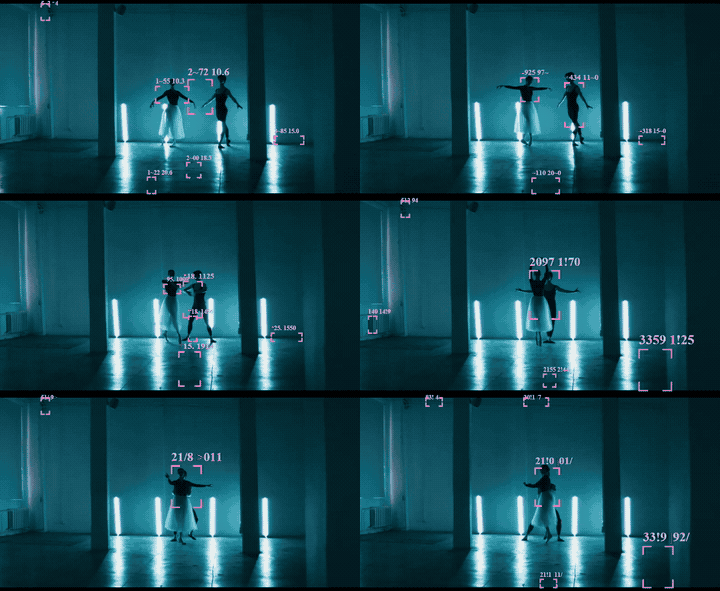
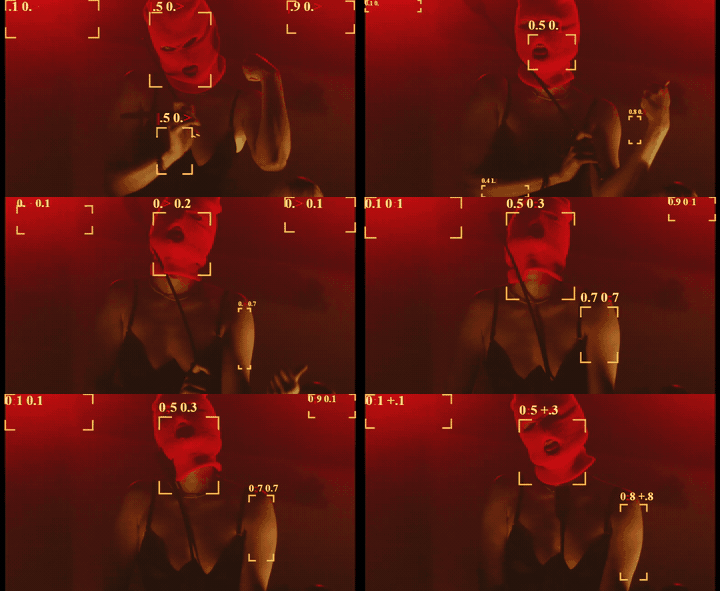
AI object detection video art and luma tracking in-browser — no cloud API. Boxes (and optional labels) on bright regions, objects, or body poses drive ASCII “only in boxes” and Overlay fan lines.
| Mode | What it does | Free cap | Pro |
|---|---|---|---|
| LUMA | Bright-cell grid — no ML download. Best for club silhouettes. | 16 boxes | 64 |
| OBJECTS | Object labels in real time. First load downloads weights. | 4 boxes | Unlimited |
| POSE | Body keypoints — pose detection visualizer for dance. | 2 people | Higher |
Tune threshold, grid, and min cells for luma. Disable objects/pose on low-power laptops. Guide: AI detection VJ.
ASCII FX Free
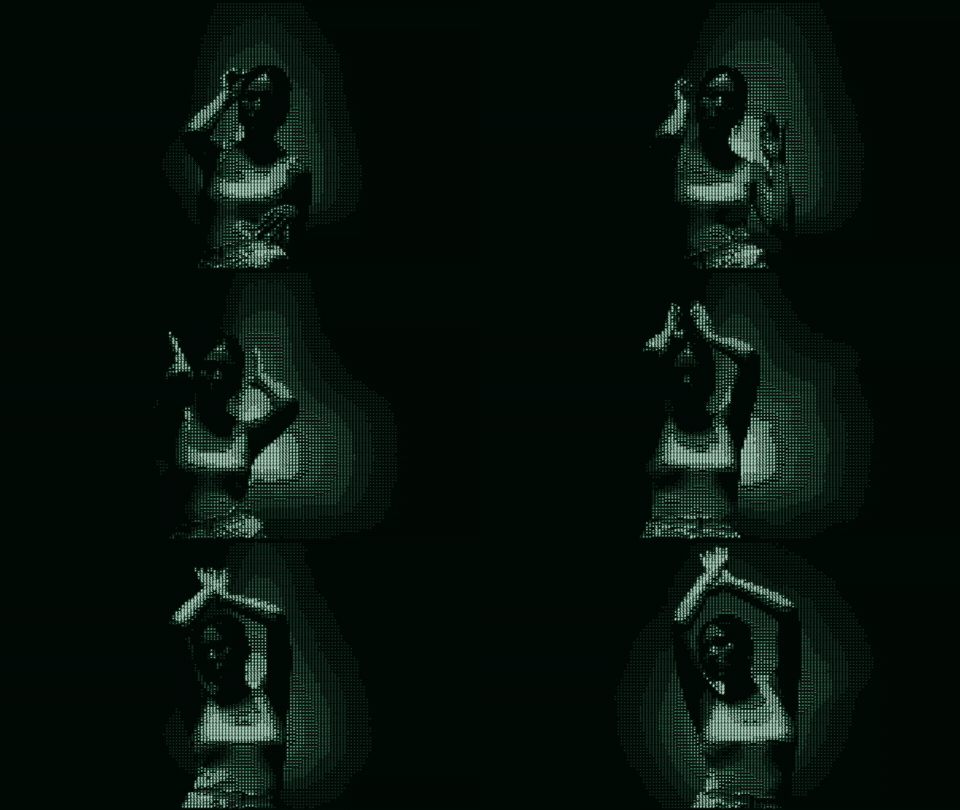
The core ASCII video tool / text video effect: character grid or block mosaic mapped to brightness. Key controls: columns, density, font size, charset, palette, pixel-RGB blocks, silhouette fills, “only in boxes” (needs DETECT), show/hide raw video.
Raise contrast before density — noisy feeds turn the grid to mush. Guide: ASCII video tool online.
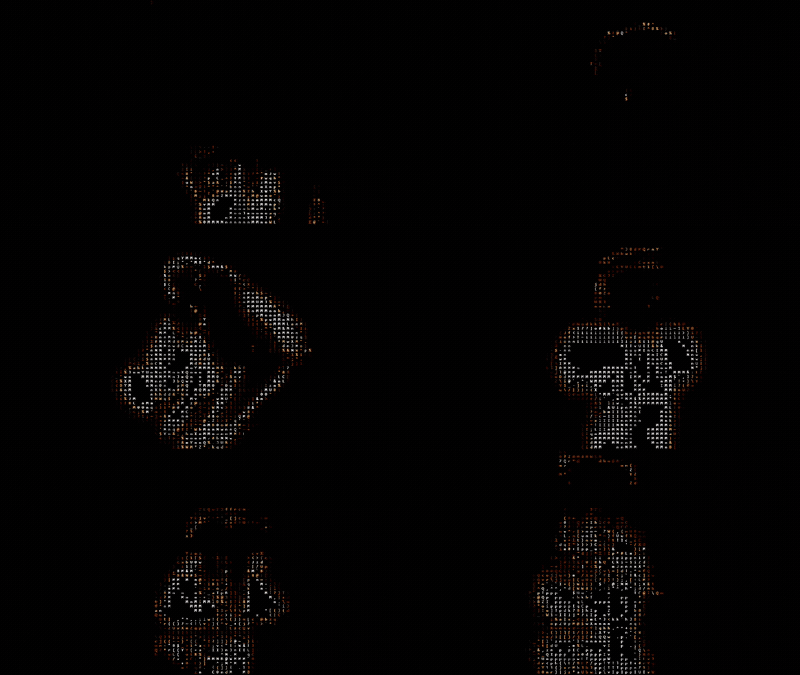
ALT ASCII Pro to add · try on phone
Separate WebGL charset path (p5) — quieter glyphs, face-first and field looks. Phone funnel Alt ASCII looks are free to swipe and edit. Adding the ALT ASCII node on the desktop graph is Pro.

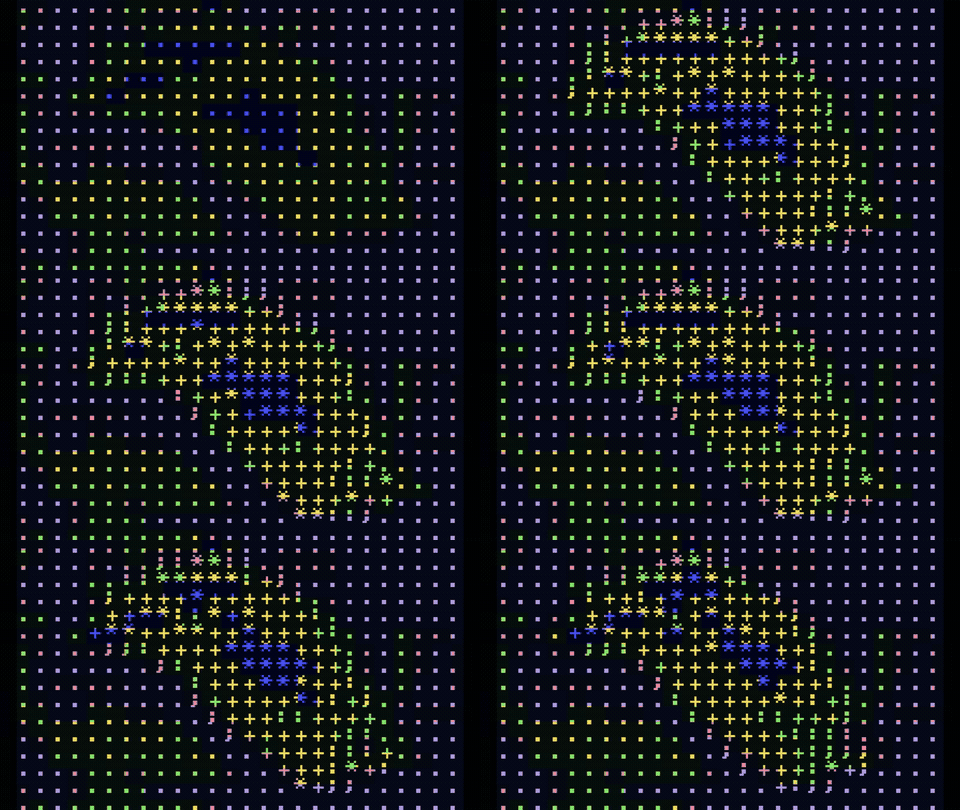
DEPTH Pro to add · try on phone
Depth-style mesh / melt driver for stylized volume — not a true depth camera. Phone Depth-family looks are free to swipe; adding the DEPTH node on desktop is Pro. Depth built-in presets on desktop are Pro.
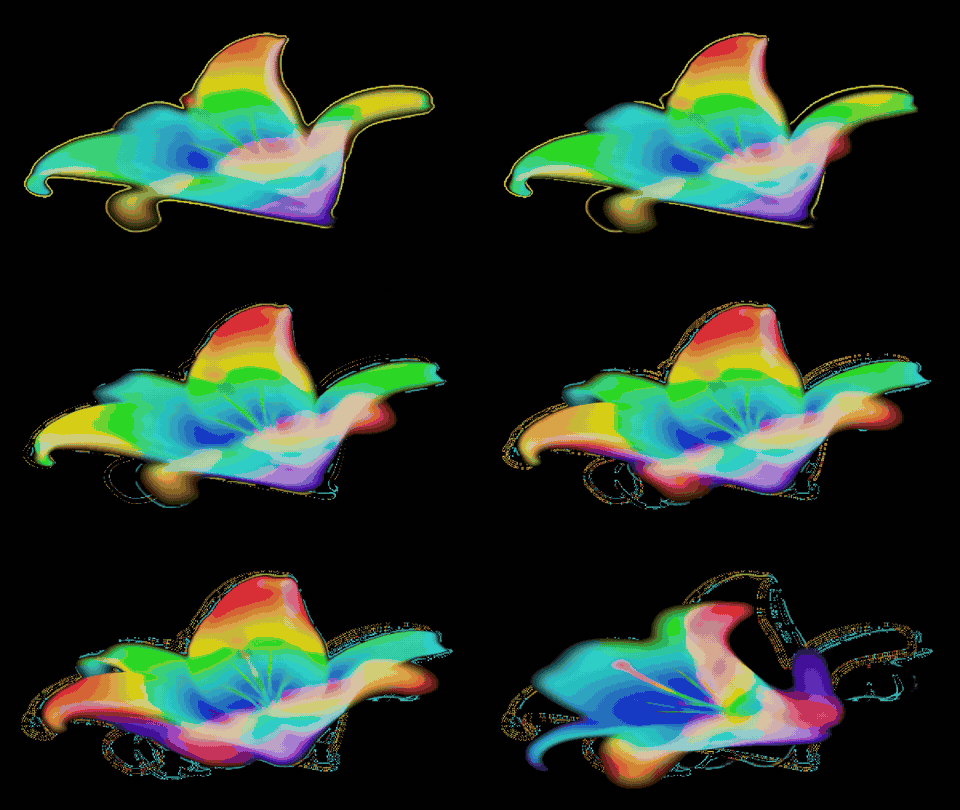
REACTION DIFFUSION Pro to add · try on phone
A live reaction diffusion video / gray scott webcam-style field on your clip — stripes, spots, mazes, crawl. Phone RD looks are free to swipe and edit. Adding the RD node on the desktop graph is Pro. Recording a Pro-gated look needs Pro.
Guide: reaction-diffusion video tool.
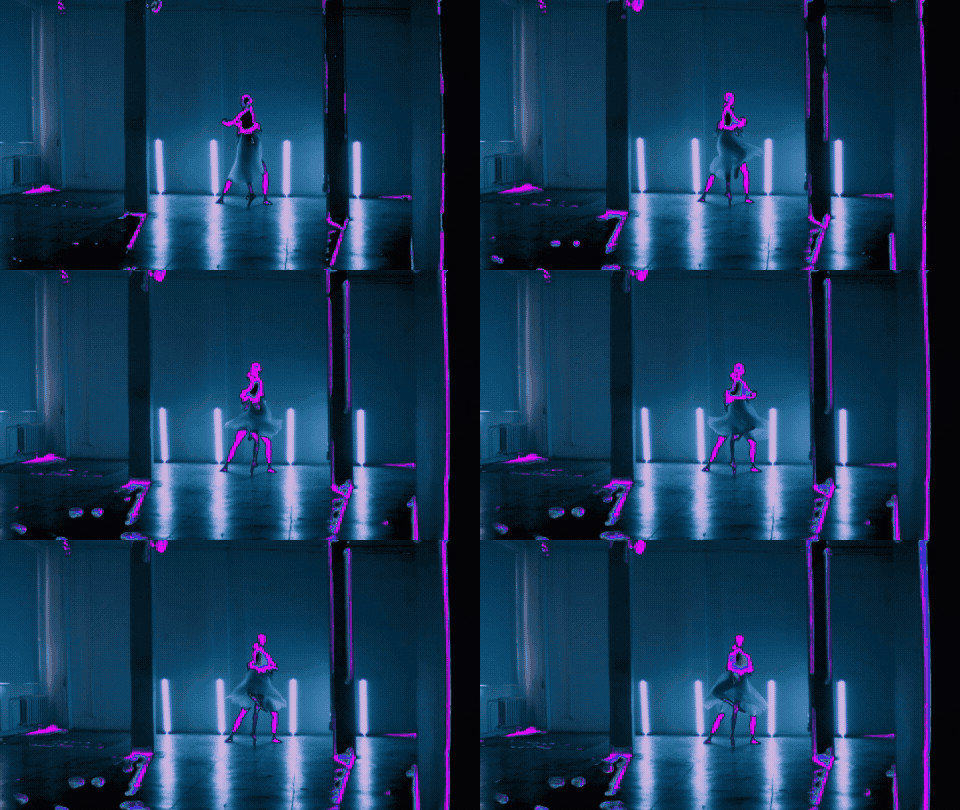
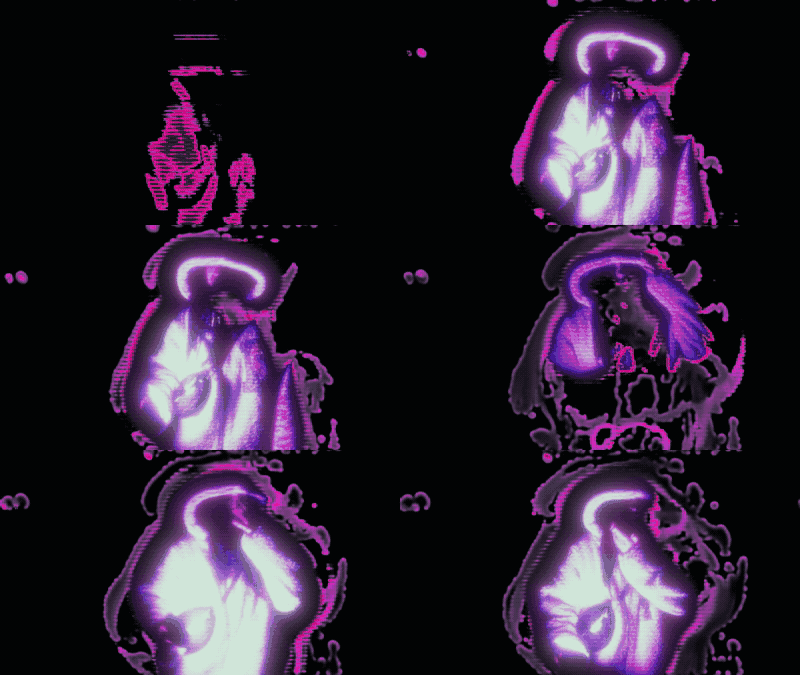
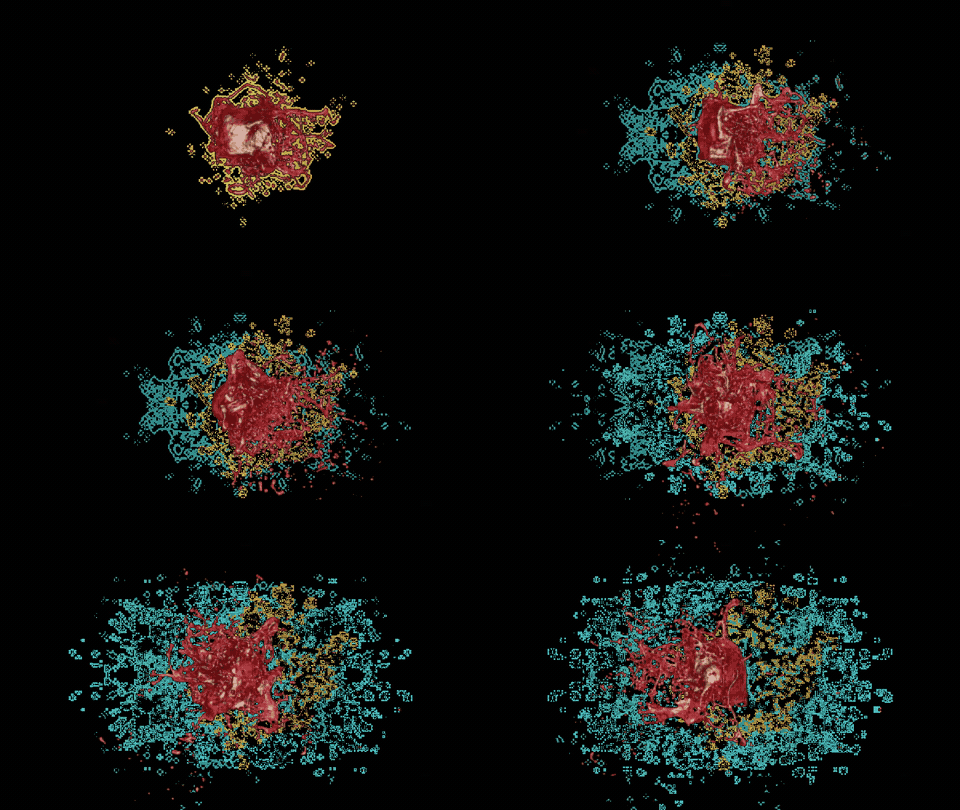
CELLULAR AUTOMATA Pro to add · try on phone
Cellular automata video on webcam or MP4: stepped grid, rule evolution, layer color, beat inject. Phone CA looks are free to swipe and edit. Adding the CA node on desktop is Pro.
Guide: cellular automata webcam.
HAND Free
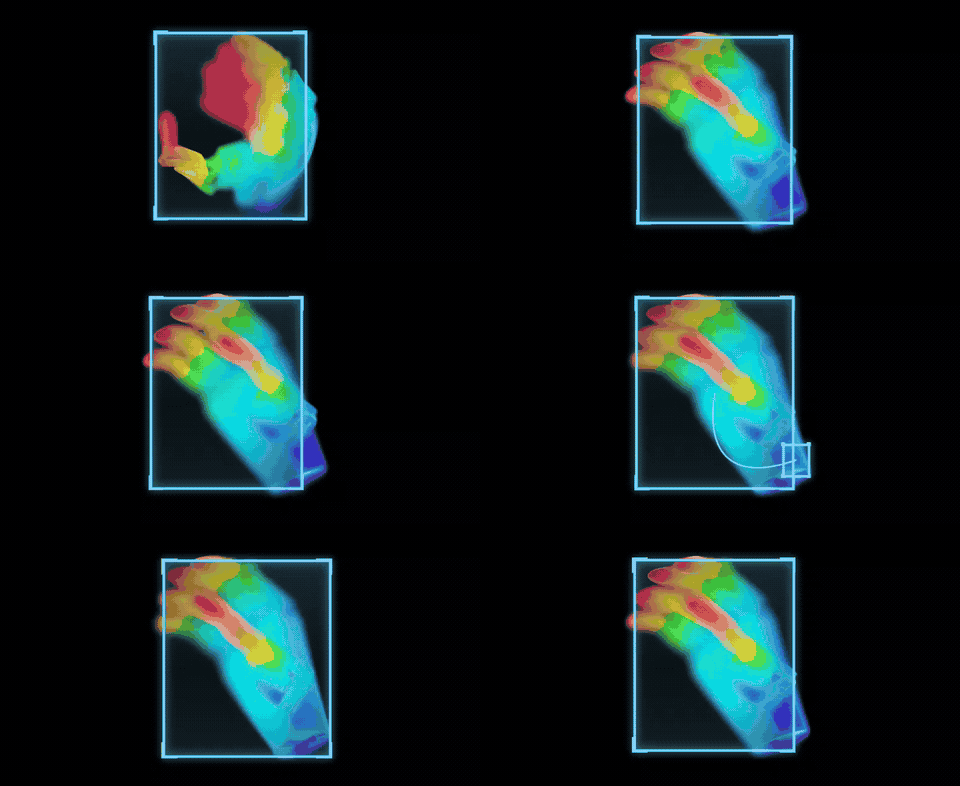
Hand tracking with a dedicated camera plus side-by-side hand preview. Pinch, span, and gestures can drive parameters. Free on phone and desktop. Not in Shuffle inject pools. Pair with ASCII or GEO looks when you want performer-driven control.
PRETEXT Pro (beta)
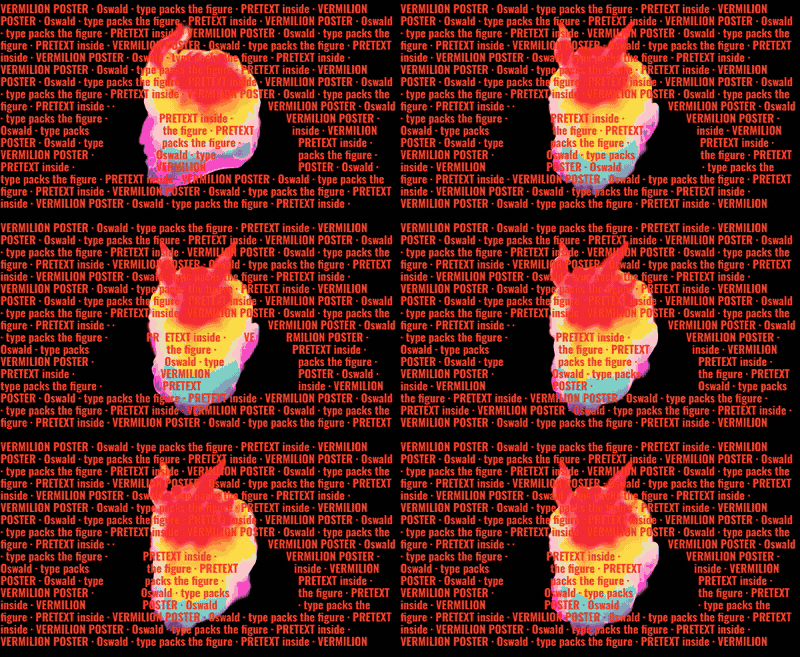
Paragraph type flowing inside or outside a luma silhouette — poster and club-title energy on a live clip. Phone can try PreText looks; adding PRETEXT on the desktop graph is Pro.
GEO 3D Pro (beta)
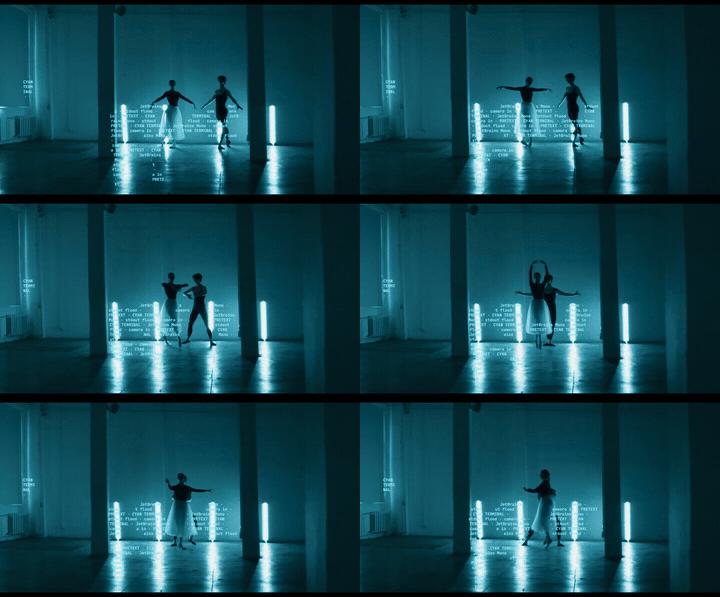
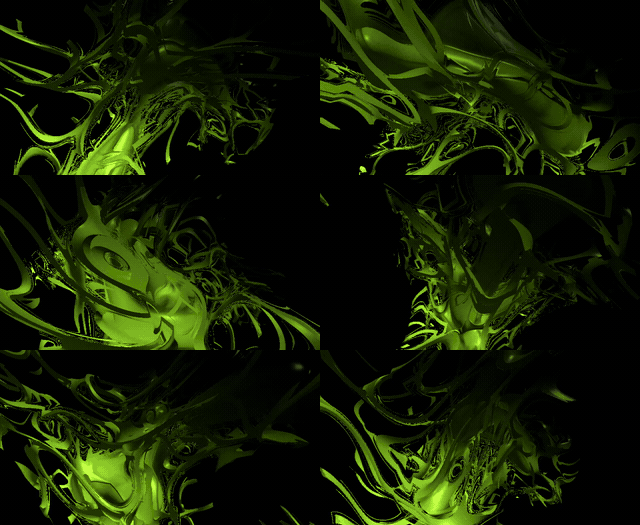
Procedural 3D (wire, particles, greeble, SDF) composited like an overlay for a browser VJ mesh pass. Phone GEO looks are free to try; adding GEO 3D on desktop is Pro.
SONIFY Pro (beta)
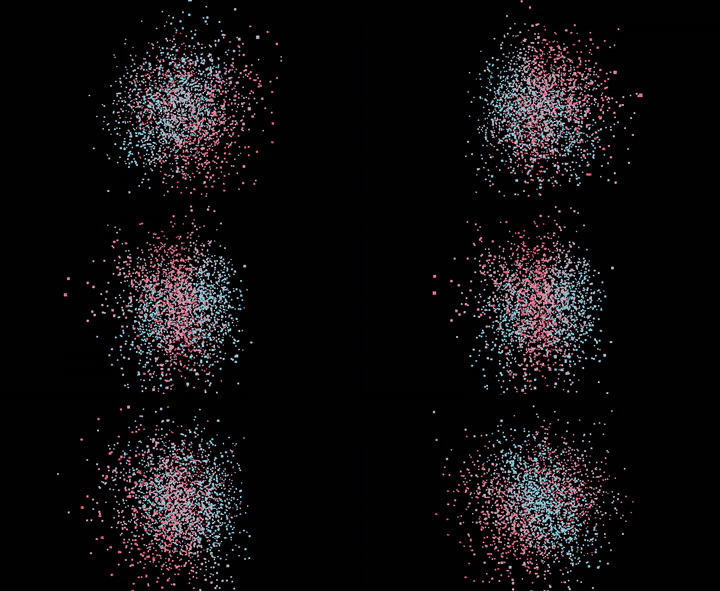
Detection → sound (drums / synths). Adding SONIFY on desktop is Pro. Phone can try sonify looks. Not in Shuffle inject pools. Keep the graph light if you also run pose or objects.
OVERLAY Free
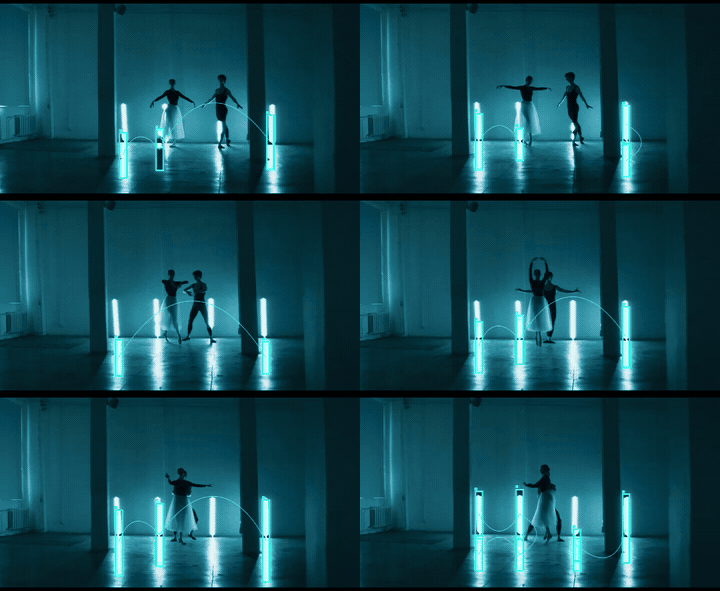
Free finishing node: lines between detections (all pairs, nearest, fan) plus 20+ video effects — pixelate, glitch, VHS, CRT, bloom, slit scan, feedback, edges, chromatic. Target inside boxes, outside boxes, or the full frame. Halftone-style dither lives here or on ASCII — not its own node.
EXPORT Free watermarked · Pro clean
Records the full pipeline to MP4 or PNG sequence ZIP — the end of every no install VJ pass.
- Free: watermark on the picture, 20 seconds per take.
- Free OBS: watermark, 5 minutes per share, restart allowed.
- Pro: no watermark, no time cap, clean OBS, background keep-alive.
Quality follows preview resolution and graph weight — simplify before long captures. Guide: user guide.
Related pages
- ASCII video tool online
- Browser VJ tool
- Reaction-diffusion video
- Cellular automata webcam
- AI detection VJ
- Preset showcase with GIFs
- User guide
- Open TekDetek
- TekDetek Pro
TekDetek by VJ Vik Mil · [email protected] · @tekdetek · MIT license · Third-party notices