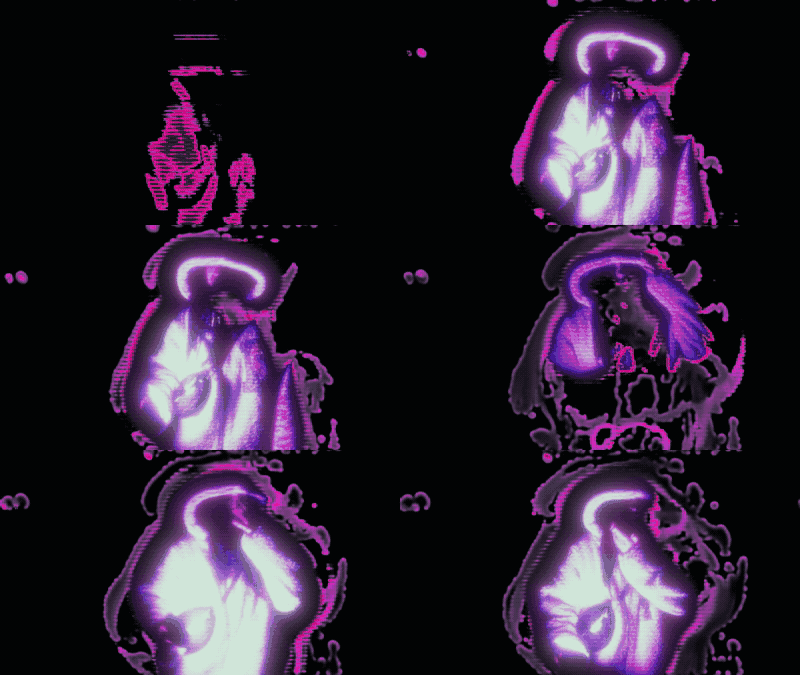
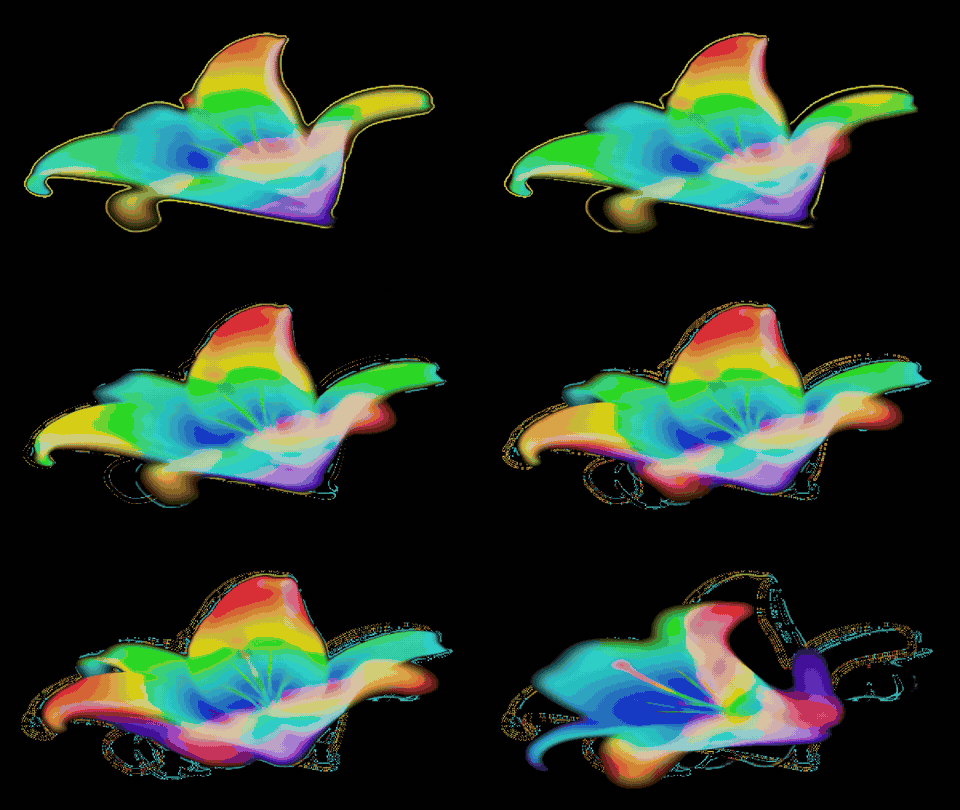
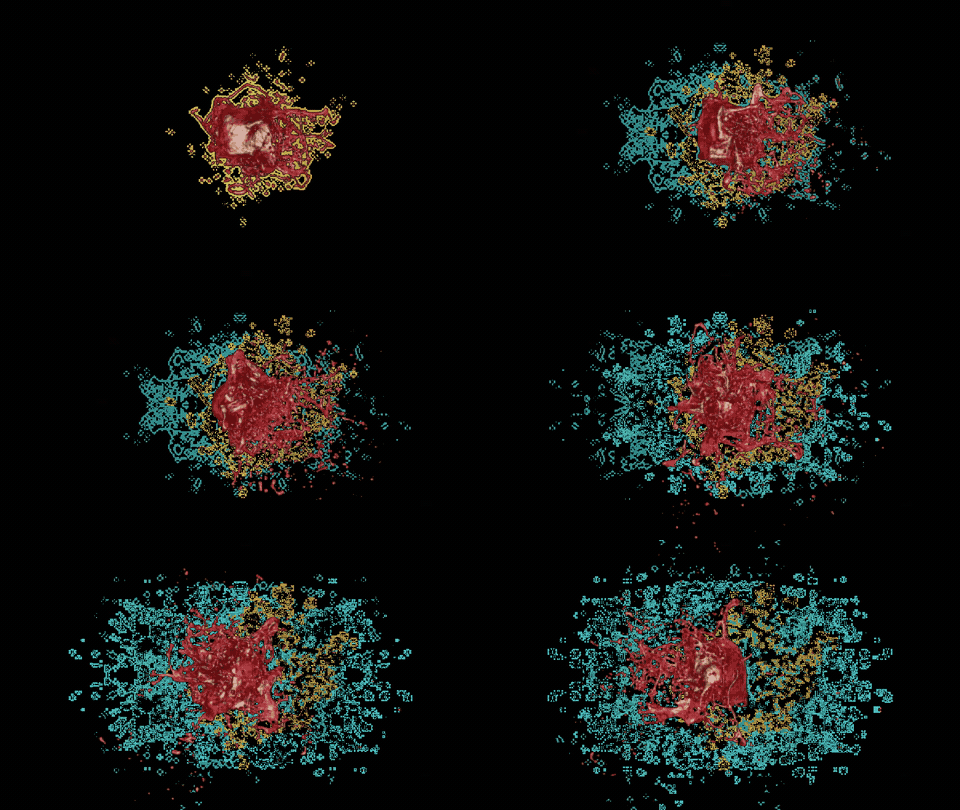
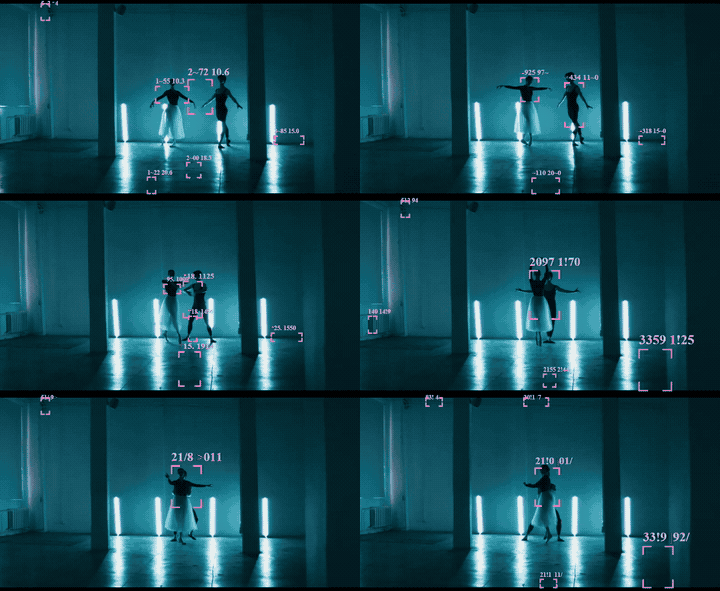
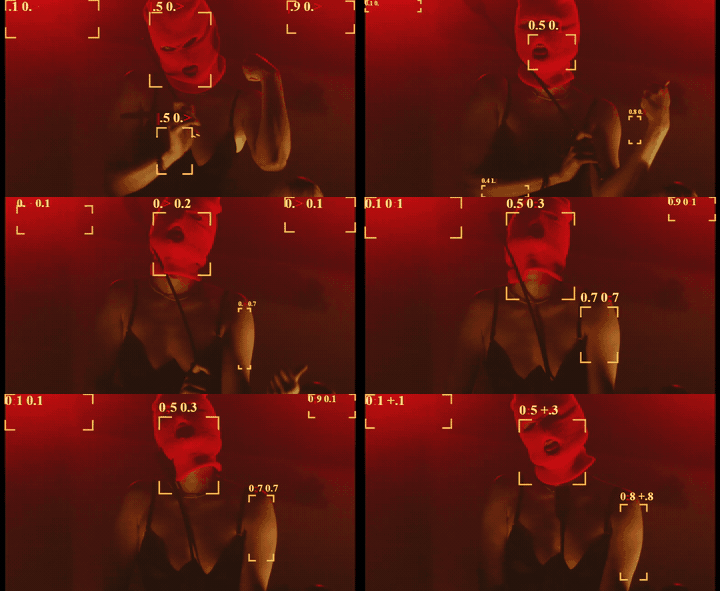
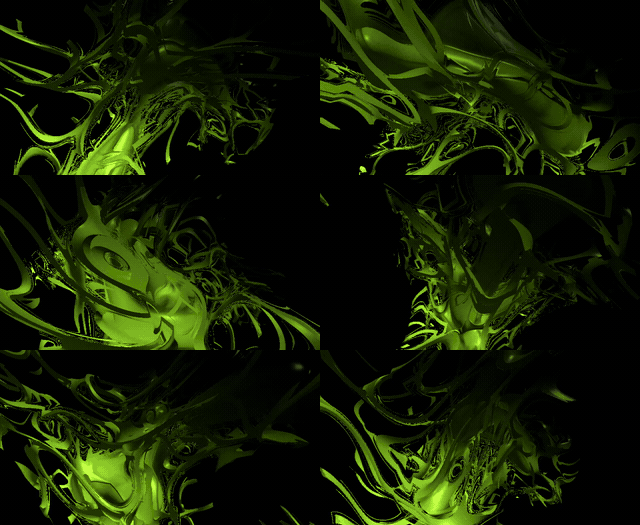
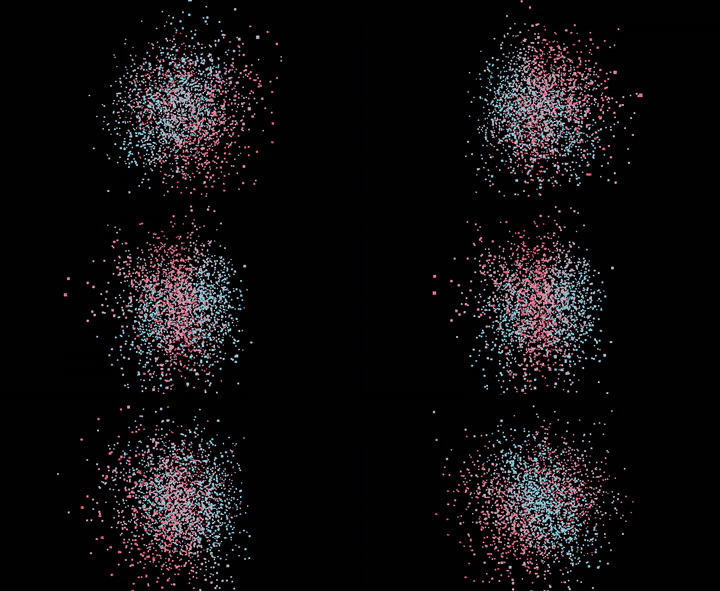
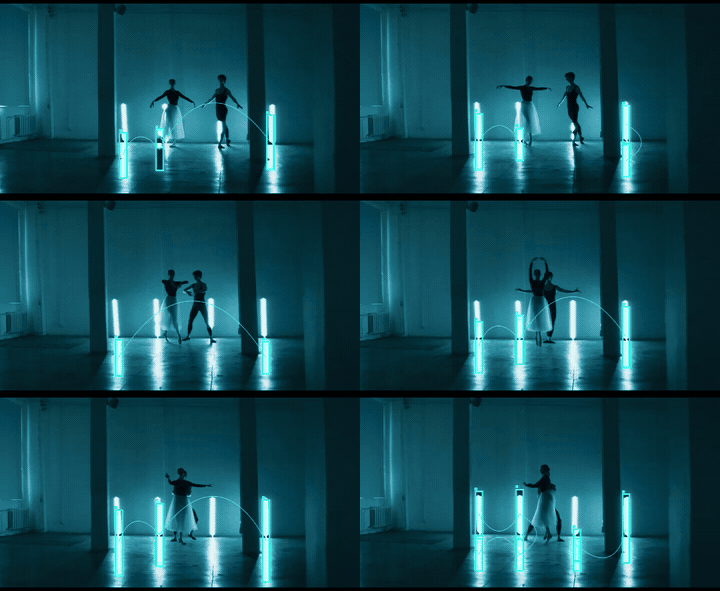
Tekdetek preset showcase

These are built-in presets shipping in the public Tekdetek app. Each preset is a saved node graph plus parameter set — a starting point you can break apart, randomize, or extend. Load them from LOAD PRESET in the top bar after you open /tekdetek/ and activate camera or upload a clip.

Share your variations on @tekdetek. For node definitions see the node reference; for a full walkthrough see the user guide.

Tekdetek — free browser VJ tool for ASCII video
Tekdetek runs entirely in the browser — no install, no account. Presets load in one click.

ASCII-only looks (no detection)

Single INPUT → ASCII FX chain. Best for music videos, webcam streams, and quick social clips.

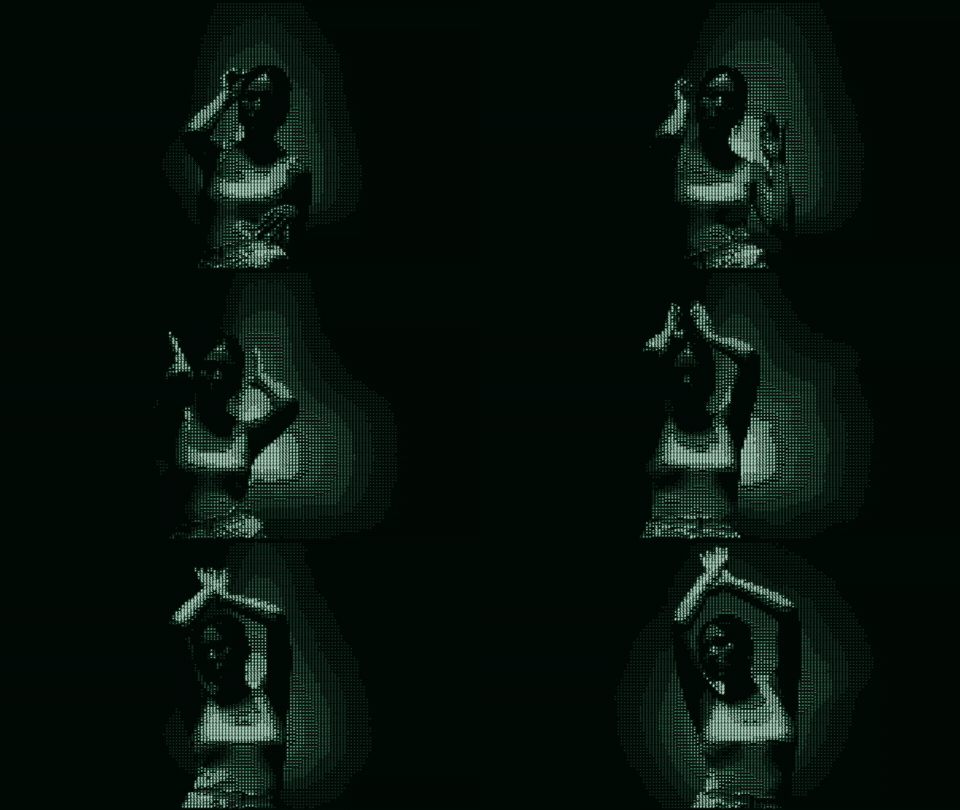
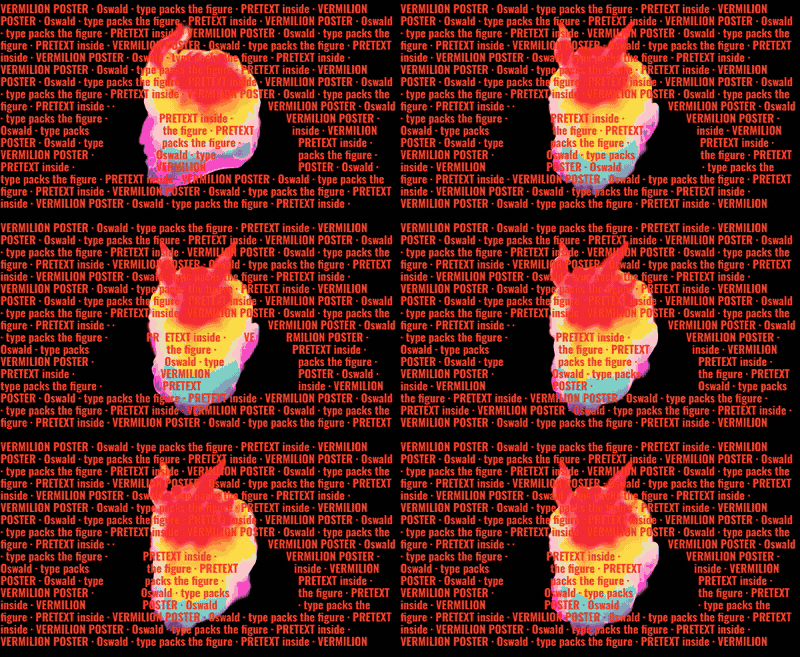
Prism ramp, punchy contrast

Load preset: “Prism ramp, punchy contrast”. Dense charset, Prism palette, inverted luminance, high contrast (~1.5). Works on high-contrast footage — faces, neon, stage lights. If shadows clog, lower contrast or switch to Minimal glacier instead.

Minimal glacier, soft grade

Soft minimal glyphs, Glacier palette, gentle contrast. Good for daylight windows or washed festival screens where punchy ASCII clips.

Geometric spectrum ramp

Geometric block characters with Spectrum colour ramp — reads “retro demo scene” on dance floors. Try on 16:9 export for YouTube intros.

Custom rune ramp

Custom density string with Ember palette — esoteric / rune wall aesthetic. Edit the custom charset field after load to swap symbols.

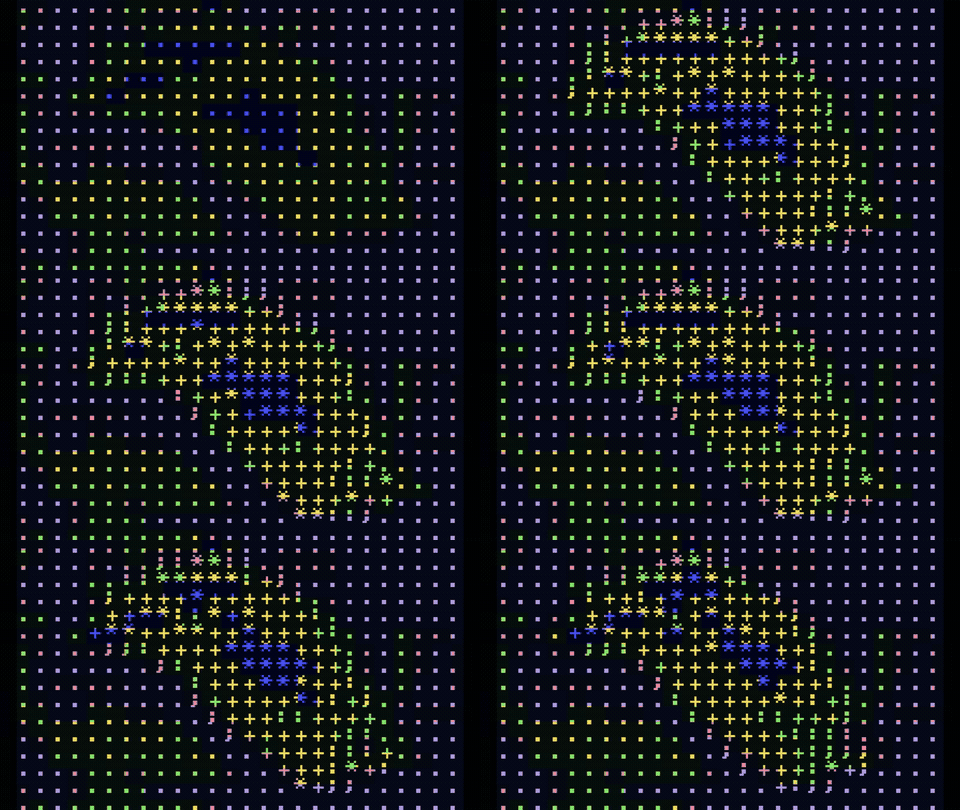
Binary block tiles, slate

Block render mode with binary charset on Slate palette — chunky 1-bit tiles, not fine text. Pairs well with OVERLAY feedback at low intensity.

Pixel RGB prism blocks

Pixel RGB mode with prism colouring — LED-matrix feel. Toggle video colours in ASCII inspector if you want pure palette vs sampled hues.

Detection + ASCII combinations

Presets that add AI DETECT before ASCII or OVERLAY — heavier on CPU, strong for live performance framing.

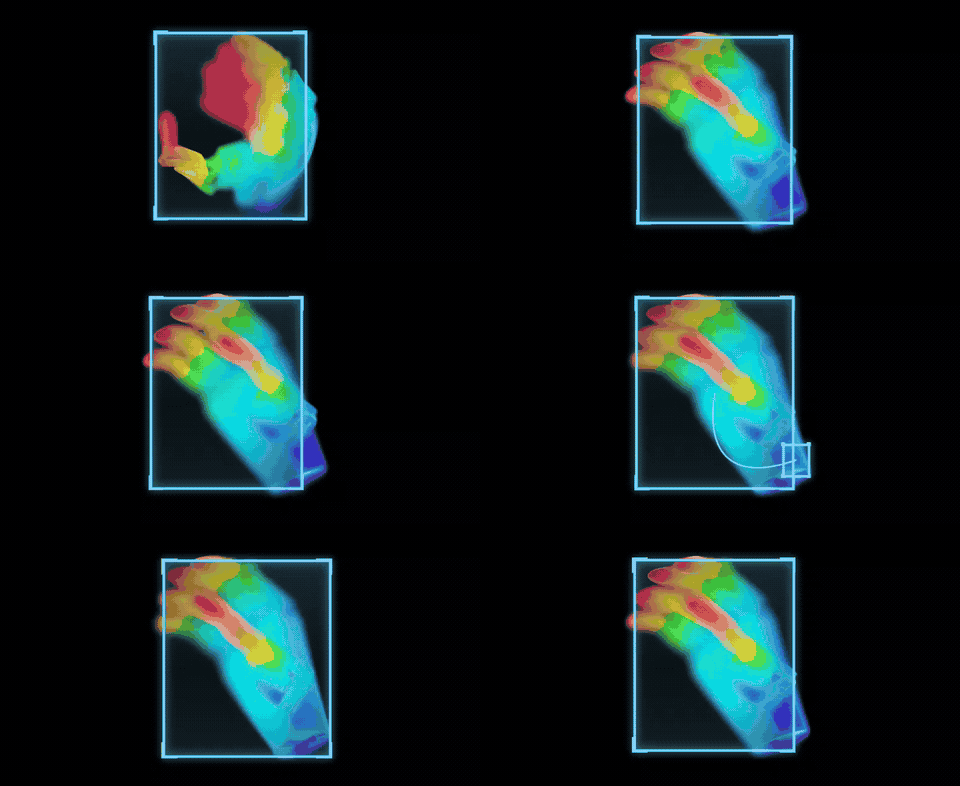
Silhouette thermal + luma

Luma grid detects bright blobs; ASCII silhouette mode fills with thermal-style motion. Labels use hacker preset when enabled. Rehearse under venue lighting — luma threshold varies wildly indoors vs outdoors.

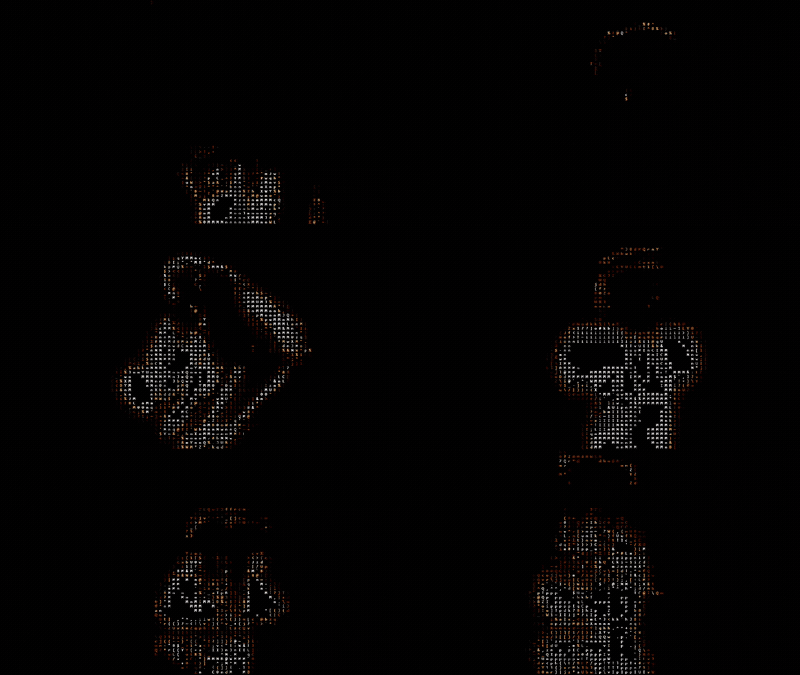
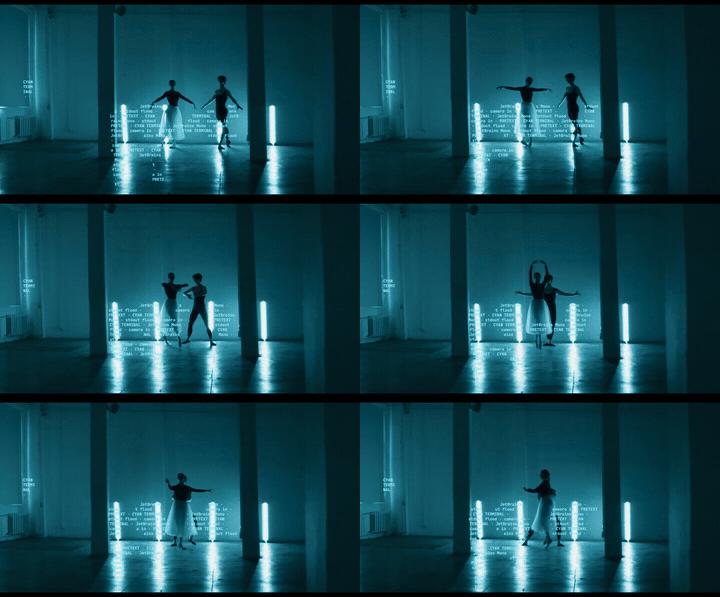
Silhouette matrix rim-only

Matrix-style rim silhouette with edges-only interior — cyber outline on dancers. Lower grid count if boxes flicker on dark stages.

Silhouette noir solo

No detection — pure noir silhouette ASCII on full frame. High motion delta for strobing clubs; reduce if the image never settles.

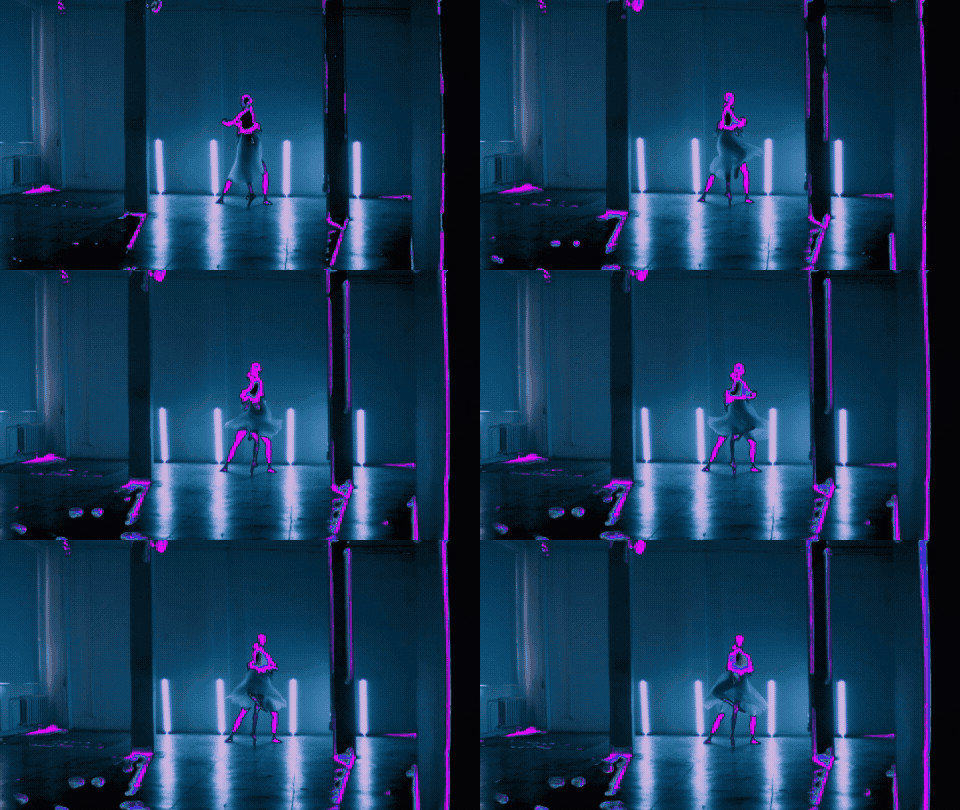
Luma grid + fan lines

Tight luma grid with OVERLAY fan lines between boxes — classic “tracking” VJ look without running COCO-SSD. Lighter than OBJECTS mode.

How to build your own preset from a showcase look

  1. Open Tekdetek and load the closest built-in preset from LOAD PRESET.
  2. Activate camera or upload MP4; confirm preview matches the description above.
  3. Select ASCII or DETECT node — tweak columns, palette, or detection threshold one control at a time.
  4. Add or remove OVERLAY effects; watch GPU load if preview stutters.
  5. SAVE PRESET — stores locally in your browser. Export MP4 from EXPORT when happy.

Performance notes for live use

← Open Tekdetek · User guide