Browser effects vs OBS filter plugins
Creators often choose between an OBS ASCII plugin and a browser source like TekDetek. Plugins run inside OBS; TekDetek runs in Chrome/Edge and you capture the tab.
TekDetek wins when you want reaction-diffusion, cellular automata, and detection in one pipeline without maintaining multiple OBS plugins. OBS native filters win when you need zero browser overhead.
Free
Open the app. Swipe and edit looks — phone reaction-diffusion and cellular automata included. Luma detection. Hand. Watermarked MP4 or PNG up to 20 seconds. Watermarked OBS up to 5 minutes (restart anytime).
Pro
Clean export — no watermark. Record and OBS as long as you want. Full preset library, Shuffle, Depth, Alt ASCII. Add RD, CA, PreText, GEO 3D, and Sonify on the desktop graph. Higher detection caps. Buy Pro on Gumroad.
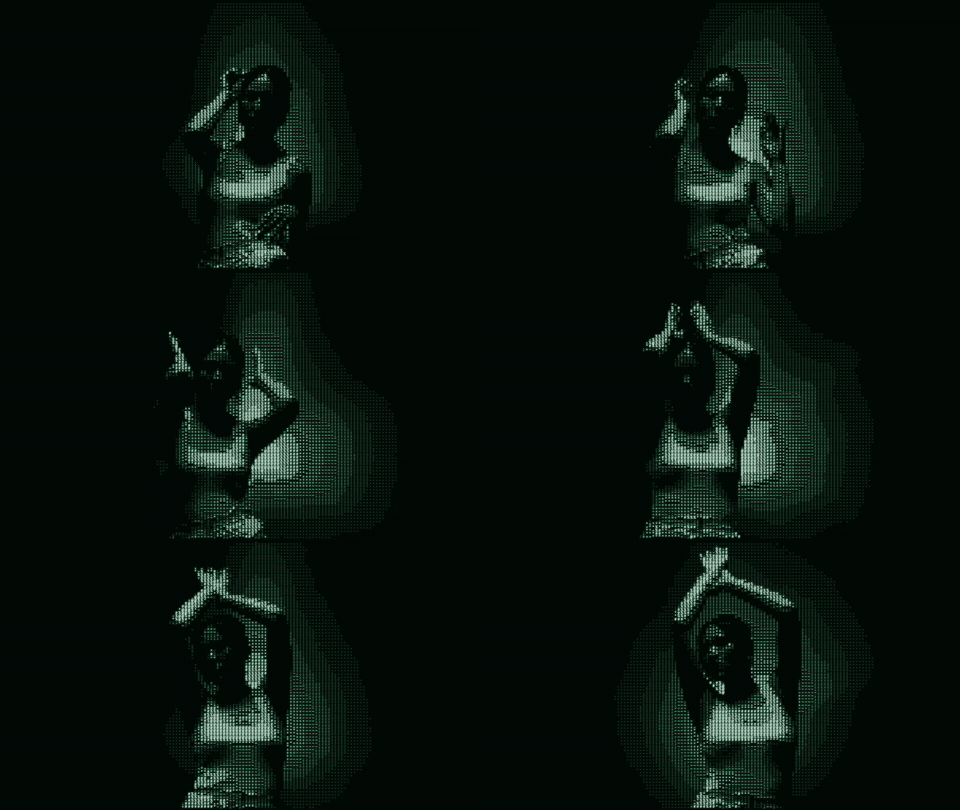
When to use TekDetek as browser source
You want ASCII + RD + CA + luma/object detection without installing plugins. You share a URL with collaborators. You rehearse looks on phone before the venue.
Setup: ASCII filter for OBS.
When to use OBS plugins instead
You need minimum CPU/GPU overhead. You already own a stable ASCII shader plugin. You need deep integration with OBS audio filters.
TekDetek is not a Resolume replacement — it is a fast FX source. See browser VJ tool.
FAQ
What is free?
Open the app in a browser, swipe and edit looks (phone reaction-diffusion and cellular automata included), luma detection, Hand, watermarked MP4 or PNG up to 20 seconds, and watermarked OBS up to 5 minutes (restart anytime).
What requires Pro?
Clean export with no watermark, unlimited record and OBS, the full preset library, Shuffle, Depth and Alt ASCII, adding RD / CA / PreText / GEO 3D / Sonify on the desktop graph, and higher detection caps. TekDetek is not completely free.
Is TekDetek an OBS plugin?
No — it is a browser app you capture as a Browser Source.
Latency?
Browser capture adds a frame or two. Rehearse before streaming.